
Opus Clip review: finds the moments, doesn't know which ones are good
Opus Clip does the tedious part of short-form repurposing well: it locates segments, reframes to vertical and captions them. Choosing which clips to post and rewriting the hooks is still the operator's job, and by most accounts it is most of the job.
Turns a long video into a pile of captioned shorts fast. Users typically post about a third of them.
What works
- Auto-reframing keeps the active speaker centred across camera changes
- Captions are accurate, well styled and easy to brand
- Scheduling and direct posting remove a step
- Processes an hour of video in around ten minutes
What doesn't
- Its "virality score" is widely described as unreliable
- A large share of clips start or end mid-sentence
- In-app editing is basic; real fixes need another editor
- The free plan's credits are tight and its clips expire after three days
Visit Opus Clip (opens in a new tab)Affiliate link. We may earn a commission if you sign up. It does not change the score. Disclosure
What it is
Opus Clip takes a long video, usually a podcast episode or YouTube upload, and cuts it into short vertical clips with captions. It picks the segments, reframes to 9:16, adds captions and emoji, scores each clip, and can post them to your accounts on a schedule.
Plans are priced in credits, which correspond roughly to minutes of source video processed. Starter is billed monthly only; Pro is where the annual discount lives.
What it is used for
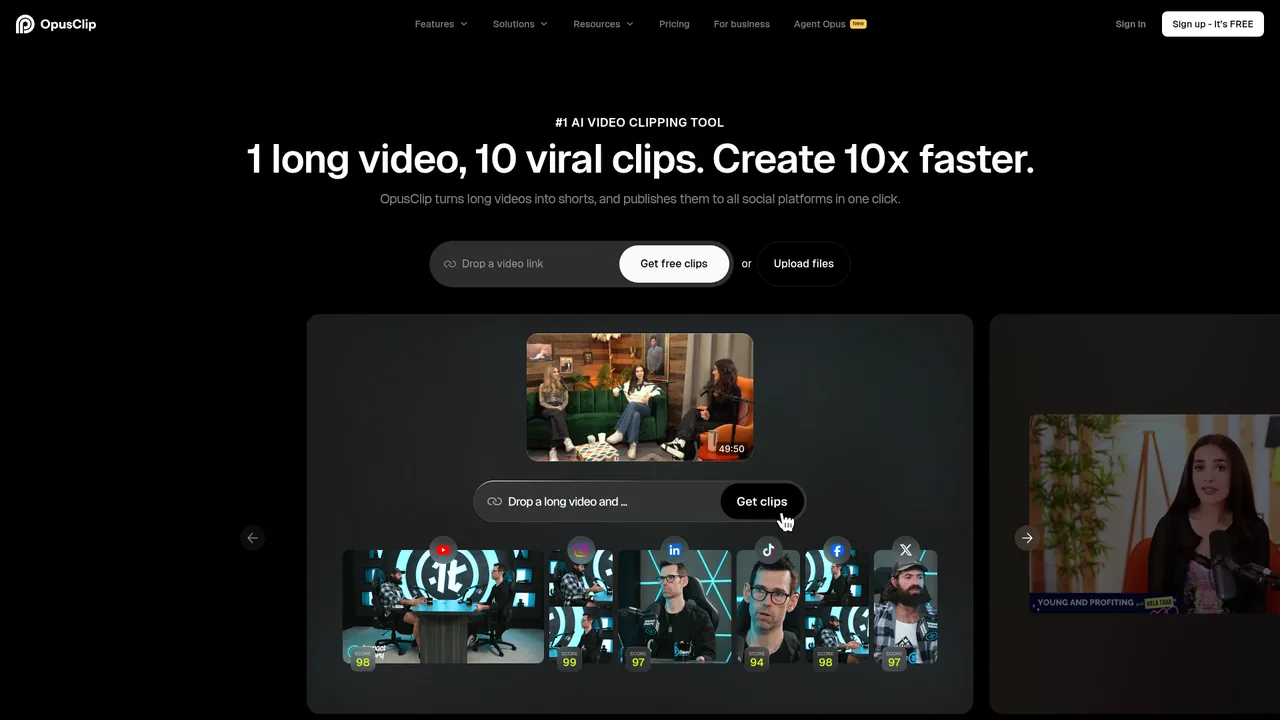
Repurposing. A weekly podcast or long video becomes a week of Shorts, Reels and TikToks without a second production process. Agencies use it to service several clients' channels from one recording each.
The pattern reported by frequent users is consistent: the tool produces the shortlist fast, and the clips that perform are the ones a person picked and re-hooked, not the ones the tool scored highest.
Where it stands out
Reframing. When a podcast switches between two cameras, it follows the active speaker and keeps them framed. Doing that by hand in Descript or a timeline editor is slow. This is the feature that saves the most time.
Captions. Accurate, animated, brandable, clean export. On short-form, captions are half the retention.
Throughput. An hour-long episode yields twenty candidate clips in about ten minutes. Even discarding two-thirds, that is a week of posts.
Where it falls short
Clip boundaries. Clips that start a beat late or end before the payoff are common. The in-app trimmer handles simple cases; anything more means exporting to another editor, and the round trip is clunky.
The scores. The virality number looks authoritative, and users who have tracked it against real performance mostly report no correlation. Watch the clips instead.
Hooks. The first line decides everything, and the auto-generated hook text is generic. Rewriting it per clip is the largest single time cost in the workflow.
Who it suits
Anyone already producing long-form video or podcasts who wants a short-form presence. Starter at $15 handles a weekly show.
Without long-form content, the tool has nothing to work with. Make the long-form first. Pair it with Descript for the fixes it cannot make.
Pricing
Prices checked Jul 28, 2026. Vendors change plans often, so confirm on their site before you pay.
| Plan | Price | What you get |
|---|---|---|
| Free | $0 | 60 credits a month, watermarked, no editing, clips stop being exportable after three days. For seeing whether your content clips well. |
| Starter | $15/mo, monthly billing only | 150 credits a month, no watermark, one brand template, auto-posting to Shorts, TikTok and Reels. One weekly show. |
| Pro | $29/mo, $14.50/mo billed yearly ($174/yr) | 3,600 credits a year, available up front on the annual plan. Two seats, B-roll, scheduler, multiple aspect ratios, Premiere and Resolve export. Agencies and daily publishers. |
| Business | Custom | Custom credits and seats, API access, priority processing, MSA. |