
Canva review: the AI features are good because the rest already was
Canva Pro is where most creators' pins, thumbnails and client social posts get finished. The AI tools (background removal, Magic Resize, text generation) shave minutes off every design. The image generator is the weakest part; Midjourney remains the standard advice for that.
Magic Studio makes an already fast design tool faster. The AI images alone would not be worth paying for.
What works
- Background remover and Magic Resize save time on every design
- Brand Kit keeps a client's fonts and colours one click away
- Bulk Create turns a spreadsheet into a batch of pins in minutes
- Scheduler posts to Pinterest and social accounts directly
What doesn't
- Built-in AI image generator is well behind Midjourney and ChatGPT
- Magic Write copy is generic and needs a rewrite
- Templates are recognisable; pins can look like everyone else's
- Performance drops on designs with many pages or large images
Visit Canva (opens in a new tab)Direct link to the vendor. If this becomes an affiliate link we will say so here. Disclosure
What it is
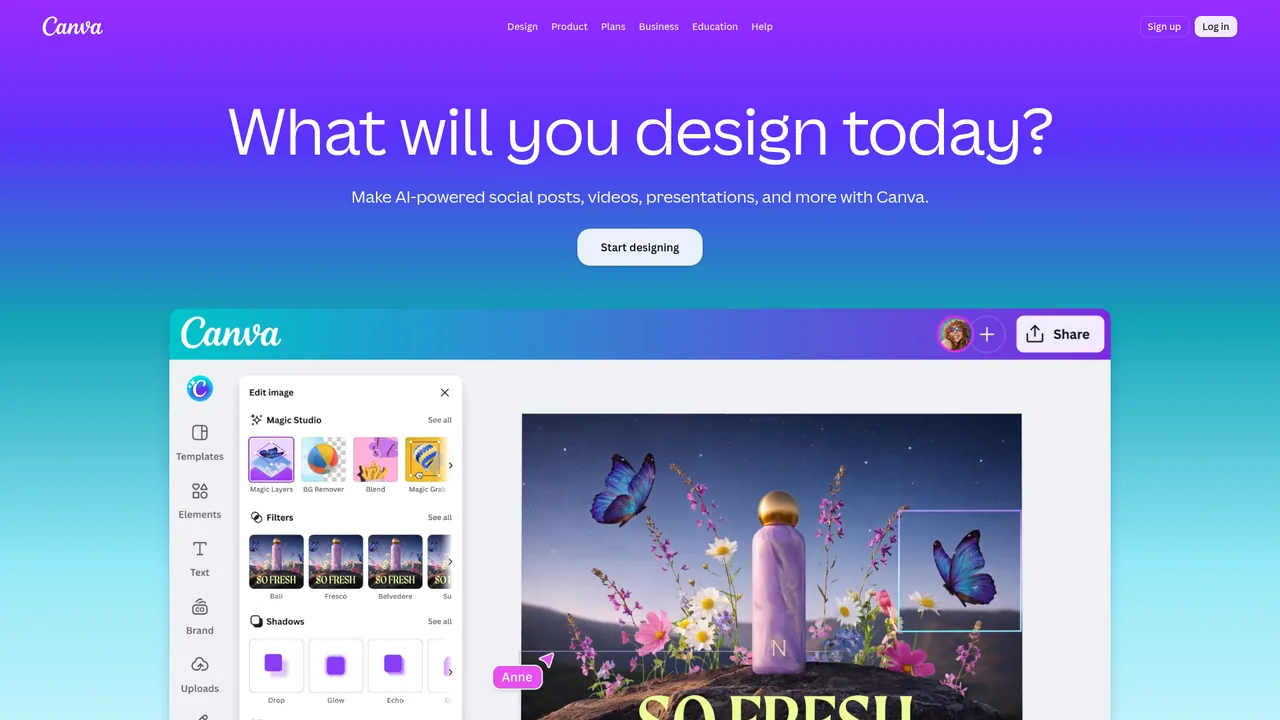
Canva is a browser-based design tool with templates for everything: pins, thumbnails, slides, ebooks, printables. Magic Studio is the umbrella for its AI features: image generation, background removal, Magic Resize (one design into every format), Magic Write (text), Magic Eraser, and automatic photo edits.
The free tier is real. Pro adds the Brand Kit, premium assets, background removal, Magic Resize and scheduling.
What it is used for
Pinterest pins, YouTube thumbnails, client social graphics, and printable products for Etsy. The common pin workflow ends here: a background from Midjourney goes in, text goes on, export at 1000 by 1500. Book covers work the same way: set the canvas to the dimensions from the KDP cover calculator before you start, because a template at the wrong trim size is the most common reason KDP rejects a cover.
Bulk Create is the feature Pinterest operators cite most: a spreadsheet of titles and one template produces dozens of pins in minutes.
Where it stands out
Speed to done. Canva is not the best at any one thing, and that is the point. Image, text, resize, schedule, in one tab, with nothing to install. For volume work that beats a better tool with a slower workflow.
Background removal is fast and clean, including on hair. Against per-image pricing from dedicated services, Pro pays for itself almost immediately.
Brand Kit and Magic Resize together turn a one-off design into a client deliverable pack: one post becomes a story, a pin and a LinkedIn image with the right fonts.
Where it falls short
The image generator. Convenient and not good. Output is soft, generic and dated next to Midjourney. The standard advice is to generate elsewhere and import.
Magic Write is similarly filler-grade. Placeholder text, not copy anyone will read.
Sameness. Because everyone uses the same templates, a Canva pin is recognisable as one. Boards that perform tend to use custom layouts built once and reused.
Who it suits
Almost everyone doing visual content for money. Pro at $15 is one of the easiest subscriptions on this site to justify.
The only people who should skip Pro are those who already own a full design suite and are comfortable in it. Even then, the free tier is a good hand-off point for client templates. Small teams that used to buy Teams now get Business, which is priced per person.
Pricing
Prices checked Jul 8, 2026. Vendors change plans often, so confirm on their site before you pay.
| Plan | Price | What you get |
|---|---|---|
| Free | $0 | Full editor, huge template library, limited AI credits, no background remover or Brand Kit. Genuinely usable. |
| Pro | $15/mo, $120/yr (US) | Background remover, Magic Resize, Brand Kit, premium content, scheduler, more AI credits. Canva localises prices by country, so the figure you see may differ. An AI Pass add-on buys a larger AI allowance. |
| Business | About $20–25/user/mo, or about $250/user/yr billed annually (US) | Replaces the old Teams plan, with no seat minimum. Adds brand management, ad performance insights and a bigger AI allowance for small teams. Canva localises prices, so verify on the pricing page for your country. |
| Enterprise | Custom | Organisation-wide controls, SSO, dedicated support. |