
ChatGPT review: the safest all-rounder, not the best writer
ChatGPT Plus is the closest thing to one subscription that handles writing, images, voice and research. That breadth is the reason to buy it. It is also why the writing tends to need a heavier edit, according to most published comparisons.
Covers more jobs than any other single subscription. Writers consistently rate its drafts a step behind Claude.
What works
- Image generation, voice, web search and file analysis in one place
- The free tier is genuinely usable for light work
- Memory across chats removes repeated setup
- Custom GPTs package repeat tasks for a team or assistant
What doesn't
- Drafts run long and lean on recognisable phrasing unless constrained
- Formatting instructions are followed less reliably than in Claude
- Free and Go tiers have carried ads since February 2026
- The Pro tiers at $100 and $200 are aimed at technical users, not content work
Visit ChatGPT (opens in a new tab)Direct link to the vendor. If this becomes an affiliate link we will say so here. Disclosure
What it is
ChatGPT is OpenAI's assistant and the product most people mean when they say "AI". It writes, codes, generates images, talks in voice mode, searches the web and reads uploaded files. The free tier includes most of that with caps and, since February 2026, ads. Go is a cheap ad-supported step up. Plus lifts the caps, removes ads and unlocks the stronger models. Pro is one plan sold in two usage tiers, $100 and $200 a month, built for heavy reasoning and technical workloads.
This overview looks at it for one purpose: earning with it. That means writing, images for pins and thumbnails, research, and the admin tasks that fill a freelancer's day.
What it is used for
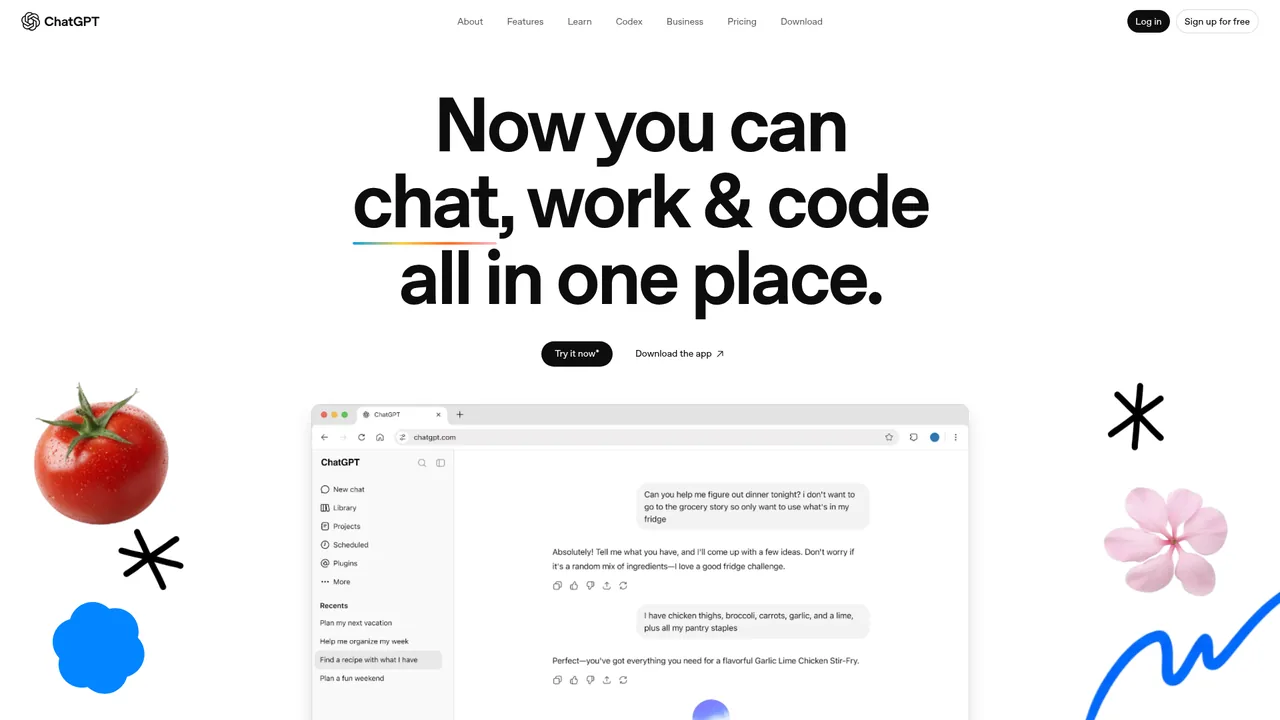
Everything, which is the point. Client blog drafts, email sequences, thumbnail concepts, video descriptions, turning rough notes into something sendable. Voice mode for dictating outlines gets more use than people expect.
Image generation is the surprise workhorse for creators. For Pinterest backgrounds and thumbnails that need legible text, it is more practical than Midjourney because it can spell. The images are less beautiful, which matters less at thumbnail size.
Where it stands out
Breadth. No other single subscription covers this much. For someone starting out who can pay for one thing, it is the defensible choice.
Research with current examples. Asking for recent case studies returns them with links. Claude can search now too, but ChatGPT is generally reported as faster and more willing to pull in specifics.
Memory. It retains your niche, tone and clients across chats, so the preamble disappears after a few weeks.
Where it falls short
Writing. It is good, and closing the gap, but published side-by-sides on real briefs keep finding the same things: drafts longer than requested, a rhetorical question to open, a summary to close after being told not to. Each is fixable with a prompt. Each costs time on every job.
Cadence. Three-item lists, "it's not just X, it's Y", tidy conclusions. Clients recognise it. A banned-phrases list in custom instructions helps; users of Claude report needing it less.
Image queue times. Ten-minute waits at busy hours are widely reported. If pins are the business, that is a real cost.
Who it suits
Beginners, generalists, and anyone who wants images and text under one login. Plus at $20 is good value for that person.
Someone who already pays for Claude for writing probably does not need this as well. The free tier covers occasional images and second opinions.
Pricing
Prices checked Aug 26, 2026. Vendors change plans often, so confirm on their site before you pay.
| Plan | Price | What you get |
|---|---|---|
| Free | $0 | Main model with usage caps, limited image generation, web search. Shows ads since February 2026. Enough to earn small money with. |
| Go | $8/mo | Higher limits than Free at a low price. Also ad-supported since February 2026. |
| Plus | $20/mo | Higher limits, best models, more image generation, voice with video, no ads. The plan most creators should be on. |
| Pro — $100/mo | $100/mo | About 5x Plus limits. A usage tier of the same Pro plan, launched April 2026. Built for engineers and researchers. |
| Pro — $200/mo | $200/mo | About 20x Plus limits, larger context and higher Deep Research caps. The top usage tier of Pro. Not relevant to content work. |
| Team | From $25/user/mo | Shared workspace and admin. Only relevant for a small team. |