
HeyGen review: a convincing avatar, if your audience will accept one
HeyGen puts a person on screen and has them say your script. For product explainers, course modules and translated versions of existing videos, it is a genuine time saver. For audience-facing content, viewers tend to notice, and creators report it costing retention.
Avatar videos good enough for training and explainers. Still recognisably synthetic for anything that trades on trust.
What works
- Lip sync and facial motion are widely rated the best in the category
- Video translation keeps the speaker's voice and re-syncs the mouth
- Personal avatar from a short webcam recording is quick to set up
- Templates and a script editor produce a video in minutes
What doesn't
- Avatars still read as synthetic in the hands, shoulders and eyes
- Credits run out fast on longer videos
- Stock avatars appear on many other channels and get recognised
- Personal-avatar quality depends heavily on your source lighting
Visit HeyGen (opens in a new tab)Direct link to the vendor. If this becomes an affiliate link we will say so here. Disclosure
What it is
HeyGen produces videos of a person speaking your script. Choose a stock avatar or build one from footage of yourself, paste text, pick a voice, and it renders a talking video. It also translates existing videos into other languages, cloning the speaker's voice and re-animating the mouth.
Plans are priced in monthly credits that convert to minutes of rendered video, with higher credit tiers available on the Pro plan.
What it is used for
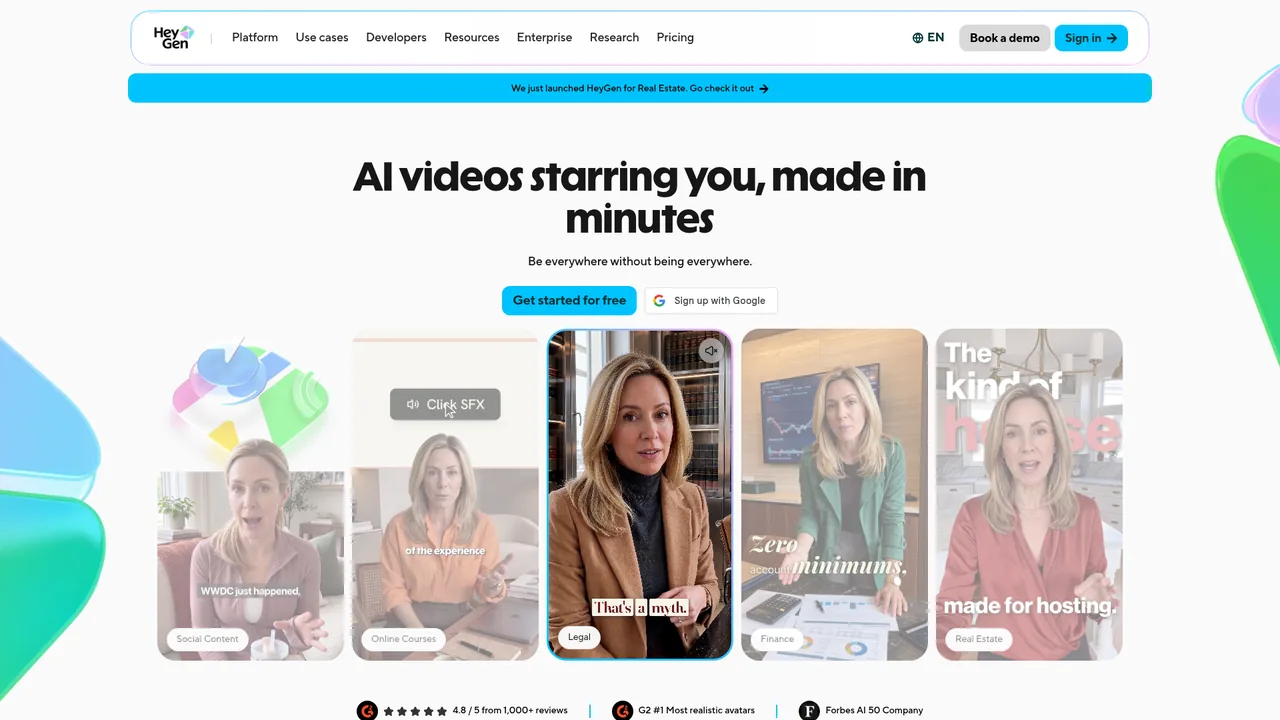
Software onboarding and training videos are the core use: a dozen explainers in a day, updated whenever the product changes, without a reshoot. Course creators use it for modules and for producing Spanish or German versions of an English course with the same voice.
Some faceless channels have tried it as a recurring host. Published results are mixed, and several creators describe lower retention than narrated formats.
Where it stands out
Lip sync. It is close enough that on a laptop screen at normal size most viewers stop noticing within seconds. Competing tools are often called out for visible mouth lag on consonants.
Translation. An existing English video becomes Spanish and German versions with the same voice and matching lips. For anyone selling a course internationally, that feature alone can justify the plan.
Speed. Script to finished explainer in around fifteen minutes, with no editing to speak of.
Where it falls short
The uncanny gap. The face is good; the body is not. Shoulders bob on a loop, hands repeat the same gesture, and the eyes do a thing. Viewers who watch a lot of video pick it up, and on content asking them to trust you, that costs.
Stock avatars are shared. Your presenter is on hundreds of other channels. For a channel with a recurring host, that undermines the point.
Credits go quickly. A ten-minute module is a large slice of the Creator allowance. Anyone producing a full course should price the Pro or Business plan first.
Who it suits
Freelancers making explainers and training content for clients, and course creators who need multilingual versions. Creator at $24 covers a few short videos a week.
If you are building an audience that follows a person, use your own face or a narrated format with ElevenLabs. For B-roll rather than a presenter, see Runway.
Pricing
Prices checked Jul 22, 2026. Vendors change plans often, so confirm on their site before you pay.
| Plan | Price | What you get |
|---|---|---|
| Free | $0 | Three videos a month, one minute each, watermarked. Enough to see whether an audience accepts an avatar. |
| Creator | $29/mo, $24/mo yearly | 600 credits a month, videos up to 30 minutes, personal avatar, no watermark. The freelancer plan. |
| Pro | From $49/mo | 1,000 credits a month at the base tier, videos up to 30 minutes. Credit tiers scale well beyond this for volume producers. |
| Business | $149/mo plus $20 per extra seat | 1,500 credits a month, videos up to 60 minutes, team seats and brand controls. Replaces the old Team plan. |
| Enterprise | Custom | No video length cap, dedicated success manager, custom terms. |