
Cursor review: the editor that turns side projects into paid ones
Cursor is a code editor with an AI that understands the whole project. For a freelancer building landing pages, scripts and small apps it compresses days into hours, by most accounts. It is not for people who cannot read code, and the Pro plan's request limit is real.
The most widely recommended way to build small tools and client sites quickly. Usage limits on Pro arrive sooner than expected.
What works
- Agent mode makes multi-file changes that generally work
- Reads the whole codebase, so suggestions fit the project
- Familiar editor: a fork of VS Code with extensions intact
- Tab completions are fast and usually right
What doesn't
- Pro's monthly credit pool runs out in a heavy week
- Confidently wrong at times; you must be able to review its output
- Costs stack if you also pay for model usage beyond the plan
- Pricing and plan names have changed several times
Visit Cursor (opens in a new tab)Direct link to the vendor. If this becomes an affiliate link we will say so here. Disclosure
What it is
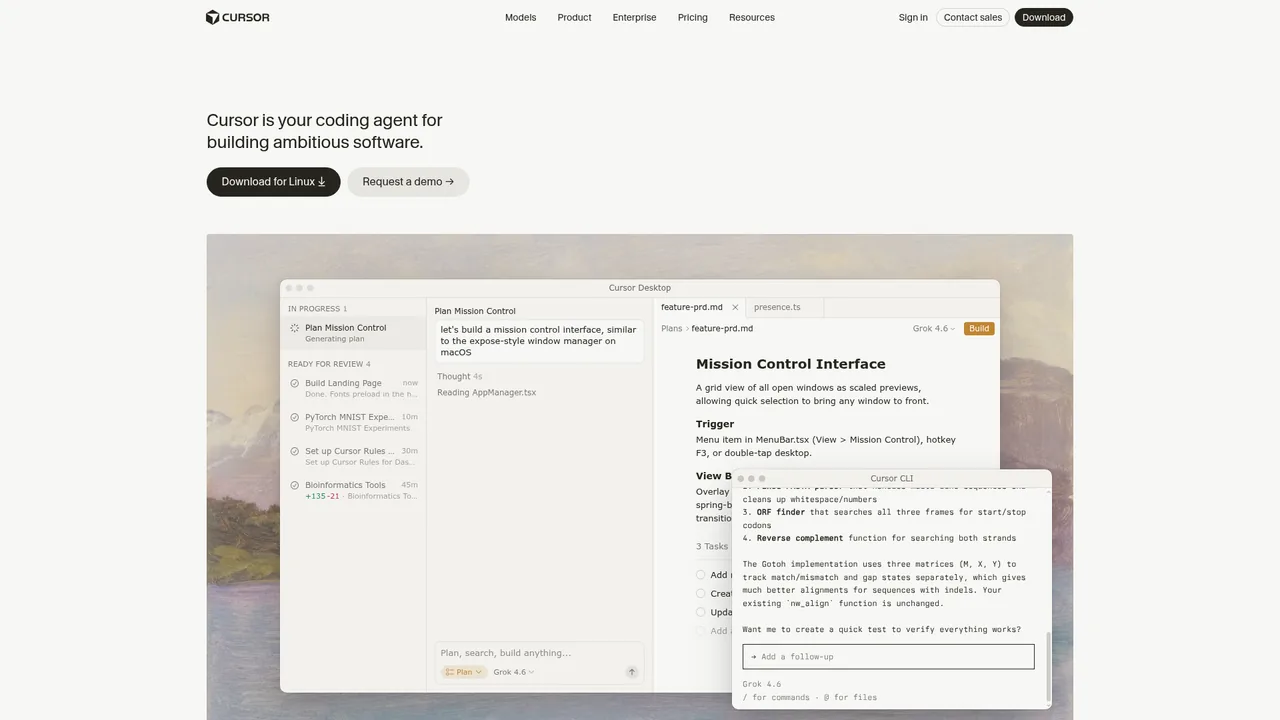
Cursor is a code editor built on VS Code with AI woven through it. It autocompletes as you type, answers questions about your code, and in agent mode takes a task like "add a contact form that emails me" and edits the files needed. It works with the major models and includes access to them in the plan.
It is for people who write code. Someone who has never touched a codebase will not get value from it, and this overview is not aimed at them.
What it is used for
Client landing pages, small web apps, scheduling and scraping scripts, theme fixes for Shopify or WordPress, and maintenance work that used to be slow and boring. Static site generators like the one behind this site are a typical weekend build.
The economic case freelancers describe: a landing page with a form, analytics and a couple of integrations used to be a two-day job and is now an afternoon, while the quote to the client stays the same.
Where it stands out
Whole-project awareness. Ask for a change and it knows the naming conventions, the components, where the config lives. Pasting snippets into ChatGPT or Claude cannot match that, because they only see what you paste.
Agent mode. Given a clear task it creates files, edits others, runs tests and reports back. Not flawless; good enough that many developers start every feature with it and hand-finish the last stretch.
No learning curve. It is VS Code. Extensions, keybindings and themes carry over.
Where it falls short
Limits. Every paid plan comes with a monthly pool of usage credits equal to the plan price, and each model request draws from that pool at the model's own rate. It is not a fixed count of requests, so a busy week of agent work on expensive models can drain Pro's $20 pool quickly. After that you are on slower access or paying per use. Pro+ and Ultra are the same mechanism with bigger pools, and they are not cheap. Track usage in the first month before committing.
Confidence. It writes code that looks right, passes a glance, and fails on an edge case. Anyone who cannot review it will ship it. That is the main risk for people learning to code through it.
Pricing churn. The plan structure has changed several times in the past year. What is listed below was accurate on the date at the top; check before subscribing.
Who it suits
Any freelancer or creator who writes code for clients or their own tools. Pro at $20 is the obvious plan.
Non-coders should not start here. Build with a no-code tool and use Claude to explain what you are doing. Come to Cursor when you can read what it writes.
Pricing
Prices checked Jun 24, 2026. Vendors change plans often, so confirm on their site before you pay.
| Plan | Price | What you get |
|---|---|---|
| Hobby | $0 | Limited completions and a small usage allowance. For evaluation. |
| Pro | $20/mo | Unlimited completions plus a monthly usage-credit pool worth the plan price, spent across models at their rates. Slower access continues after the pool is used. Most freelancers. |
| Pro+ | $60/mo | The same model with a $60 monthly credit pool. Daily agent-heavy work. |
| Ultra | $200/mo | A $200 monthly credit pool. Full-time engineers shipping constantly. |
| Teams Standard | $40/user/mo | Team billing, admin and pooled usage. Teams split into Standard and Premium in June 2026. |
| Teams Premium | $120/user/mo | Larger per-seat usage pool and priority access for heavy users. |