
Zapier review: the glue that holds a one-person business together
Zapier is how solo operators stop copying things between apps. AI steps mean a Zap can now summarise, classify and draft, not just move data. The pricing model means the more useful an automation is, the more it costs, which shapes how people build.
Connects everything to everything with no code. Task pricing punishes the automations that work best.
What works
- Integrations with thousands of apps, including the obscure ones
- AI steps for summarising, extracting and drafting inside a Zap
- Reliability that long-term users rarely complain about
- Copilot builds a working draft Zap from a plain-English description
What doesn't
- Task-based pricing gets expensive fast on high-volume automations
- Multi-step Zaps and premium apps require a paid plan
- AI steps consume separate credits on top of tasks
- Debugging a failed run is slower than it should be
Visit Zapier (opens in a new tab)Direct link to the vendor. If this becomes an affiliate link we will say so here. Disclosure
What it is
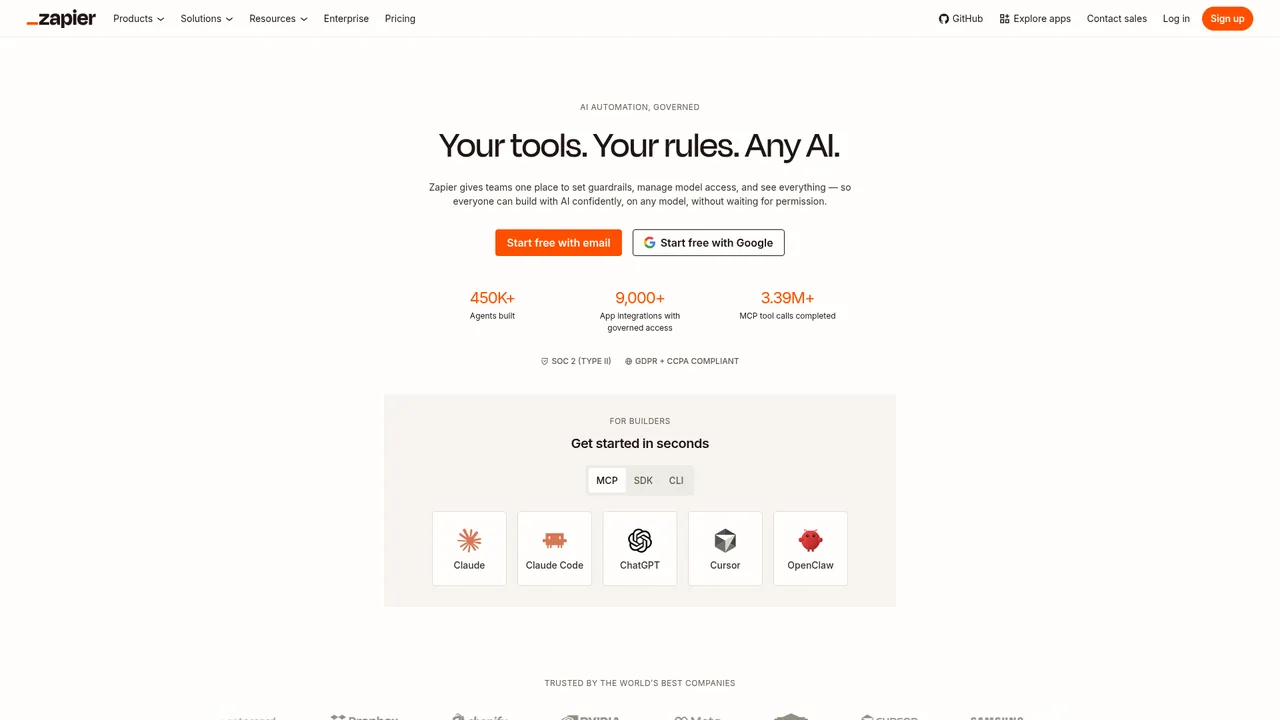
Zapier connects apps. When something happens in one (a form submission, a new row, an email), it does something in another (creates a task, sends a message, updates a sheet). Each automation is a Zap, each step a Zap runs is a task, and plans are priced by tasks per month.
AI features let a step call a model to summarise text, extract fields, classify a message or draft a reply. That moves it from plumbing towards something closer to an assistant.
What it is used for
Newsletter pipelines that collect links, summarise them with Perplexity and drop a draft into a doc. Lead handling that routes form submissions into a CRM with an AI-drafted first reply for review. Invoice reminders. Cross-posting new videos to several social accounts.
Freelancers also sell this as a service: local businesses pay to have their admin automated, and a well-built system can become a monthly retainer.
Where it stands out
Coverage. Whatever niche tool a client uses, Zapier almost certainly connects to it. Cheaper and open-source alternatives are catching up, but for someone who cannot spend an afternoon on a missing integration, this is the deciding factor.
Reliability. Long-term users describe it as something that simply runs, with clear error emails when a connected app changes its API.
Copilot. Describe the automation in a sentence and it builds a draft Zap with the right triggers and fields. Reports put it around 80 percent of the way there.
Where it falls short
Pricing shape. A Zap that runs on every new email is exactly what you want and exactly what eats 1,500 tasks a month. Users commonly rebuild automations to batch hourly instead of per event purely to stay on the Professional tier. That is the tool changing how you work.
AI steps cost twice. Each AI action uses a task and draws from a separate credit allowance. It is documented and it still surprises people on the first bill.
Debugging. When a run fails midway, finding which step and why means clicking through a history view that has not improved much in years.
Who it suits
Anyone running a business on more than three apps. Professional at $19.99 covers around 750 tasks, which is a solo operation with a handful of automations.
For a specific high-volume need, price it as tasks before building. Technical users who can self-host have cheaper options. For most freelancers, this is the one to buy.
Pricing
Prices checked Jul 12, 2026. Vendors change plans often, so confirm on their site before you pay.
| Plan | Price | What you get |
|---|---|---|
| Free | $0 | 100 tasks a month, two-step Zaps only, 15-minute polling. Enough to prove an idea. |
| Professional | From $19.99/mo yearly, $29.99 monthly | 750 tasks, unlimited multi-step Zaps, premium apps, webhooks. Scales up in task tiers. The solo plan. |
| Team | $69/mo yearly, $103.50 monthly | 2,000 tasks, 25 users, shared workspace. Small agencies. |
| Enterprise | Custom | Advanced admin, SSO, higher limits. |